A mechanism that unfolds, slides out or snaps together can't be shown in a photo. An animation shows it in a few seconds — as long as it's clear upfront what exactly it should explain.
Three kinds of videos
- How it's built: parts fly apart and come back together — the inner structure, layers, composition.
- How it works: the mechanism in motion — sliding, unfolding, rotating, flowing.
- How to assemble: step-by-step instructions instead of a paper diagram.
Storyboard
Before animating, a storyboard is made — a sequence of frames with captions: wide shot, mechanism, detail, the inside, the final with the logo. It's approved before the work starts.
The order of work
The script, storyboard and animatic — a rough version of the motion without final light and materials — are quick stages: that's where motion and frame order get approved. Light, materials and rendering take long: after them, a change to the motion means a new render. More in Stages of 3D visualization.
What to prepare for the script
- The main point the viewer should get: one or two benefits, not all of them at once.
- Where the video will run: website, marketplace, social media, a trade show. That decides the format — horizontal or vertical — and the length.
- Sound: music, voice-over, subtitles. If the video will be watched muted, subtitles are a must. Agree upfront on who picks the music and under what license.
- References: videos you like, with a note on what exactly.
- Brand materials: the logo as a vector file, colors, fonts.
What it looks like in practice
- HARDI: drawer slide animations — 8 benefit videos with voice-over, subtitles and the logo — plus a video guide to assembling a door on a sliding system.
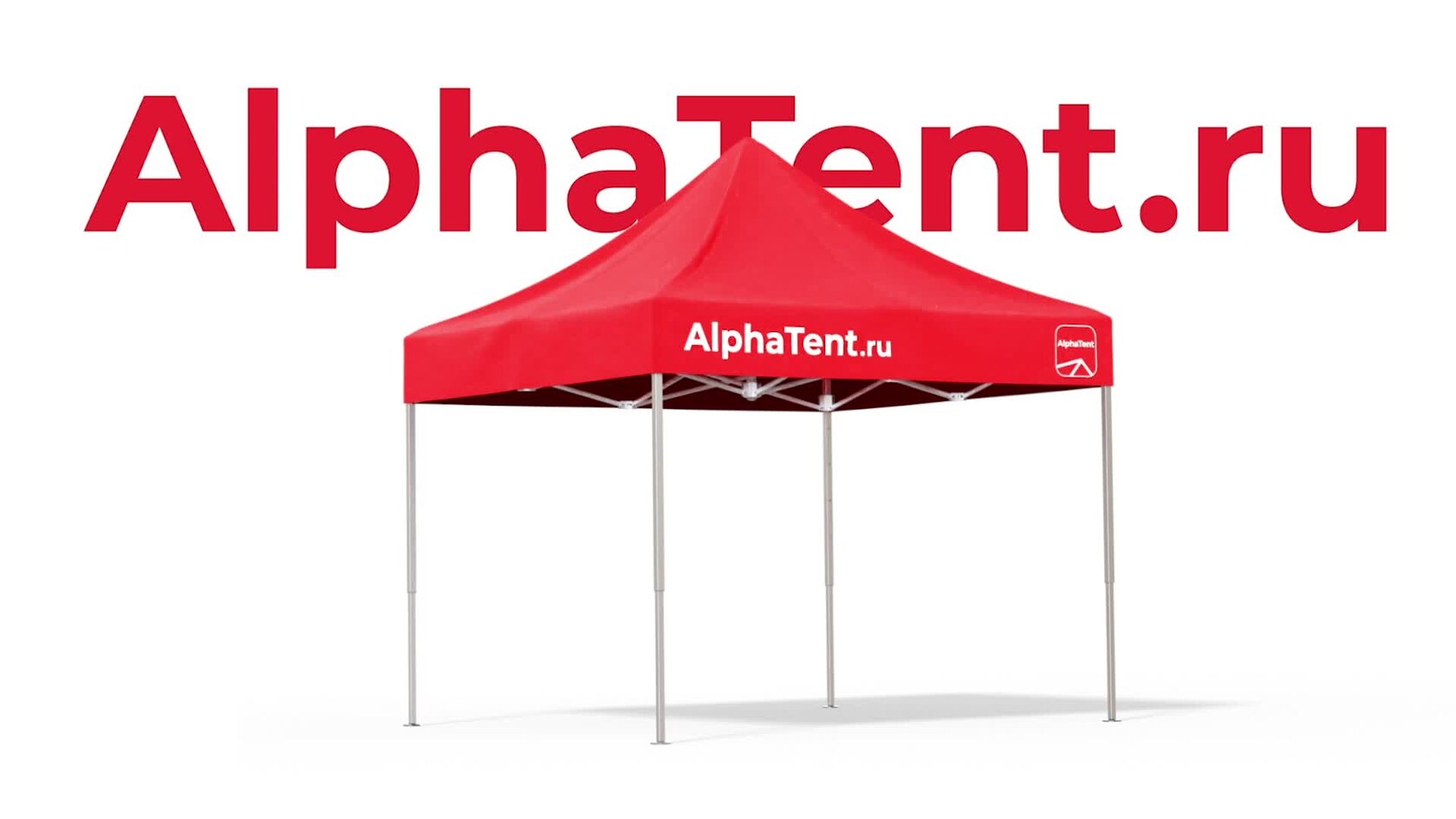
- Alphatent: a tent animation — spreading out, raising, a pause, lowering, folding; the fabric is a physics simulation.
- SibMaster: an animation of the combustion process — the path of the coal from the grate to the heat passing into the water.
Common mistakes
- Starting without a script: "make a nice video about the product".
- Trying to show every benefit in one video.
- Changing the motion after the final render.
- Forgetting subtitles for muted viewing.
Checklist
- What the video explains: how it's built, how it works or how to assemble it.
- One or two main benefits.
- The platform, format and length.
- Music, voice-over, subtitles; the music license.
- References.
- Approve the script, storyboard and animatic.