Six months from now you'll need the same product in a new color, one more angle or 3D on the website. If all you have is pictures, that's new work. If you have the model and the source, it's a short revision.
What comes out of a project
- Renders: at full size and in versions for the website and platforms.
- The 3D model: in a universal format — GLB for the web, FBX for another 3D program. More in 3D file formats.
- Textures: material maps, if the model is handed over separately from the scene.
- The scene source: the 3D program's working file, for example Blender, with lights, cameras and materials.
- Video: if animation was made, the final clip and versions for the platforms.
Source and export are not the same thing
An export — a GLB or an image — is a finished result: you can open it and show it, but you can't change the light or the angle. The source keeps everything in layers, and any of them can be edited on its own. If more work is planned — new items in the series, new colors — the source is worth more than anything else.
What will be useful a year later
With the model and the source you can make a new angle, another color, AR, 3D on the website, video and print materials. Without them, each item starts over.
Agree at the start
- Which files are handed over when the work is done, and whether the scene source is part of the job — by default it isn't always.
- How the images and model can be used: on which platforms and in which materials. If in doubt, discuss it and write it down before the work starts.
- How everything is delivered: a cloud folder, an archive, how the files are named.
How to store it
- One folder per project, organized by type inside: renders, model, textures, source, video.
- Clear names: SKU, color, angle —
ts-120_black_front.png, notfinal_final2.png. - A copy somewhere other than one computer.
What it looks like in practice
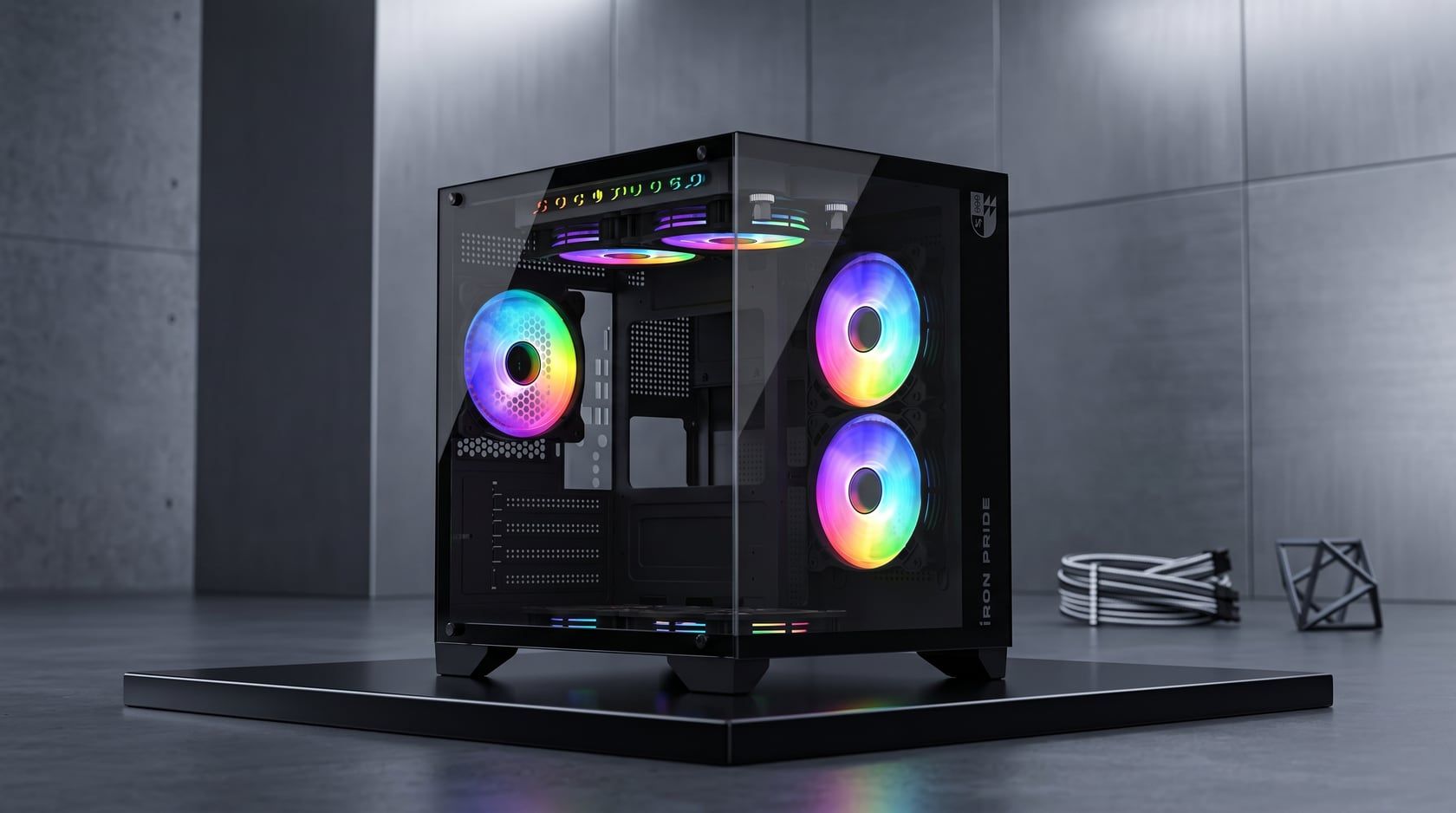
- Prime Box: the Blender working files were handed over along with the renders.
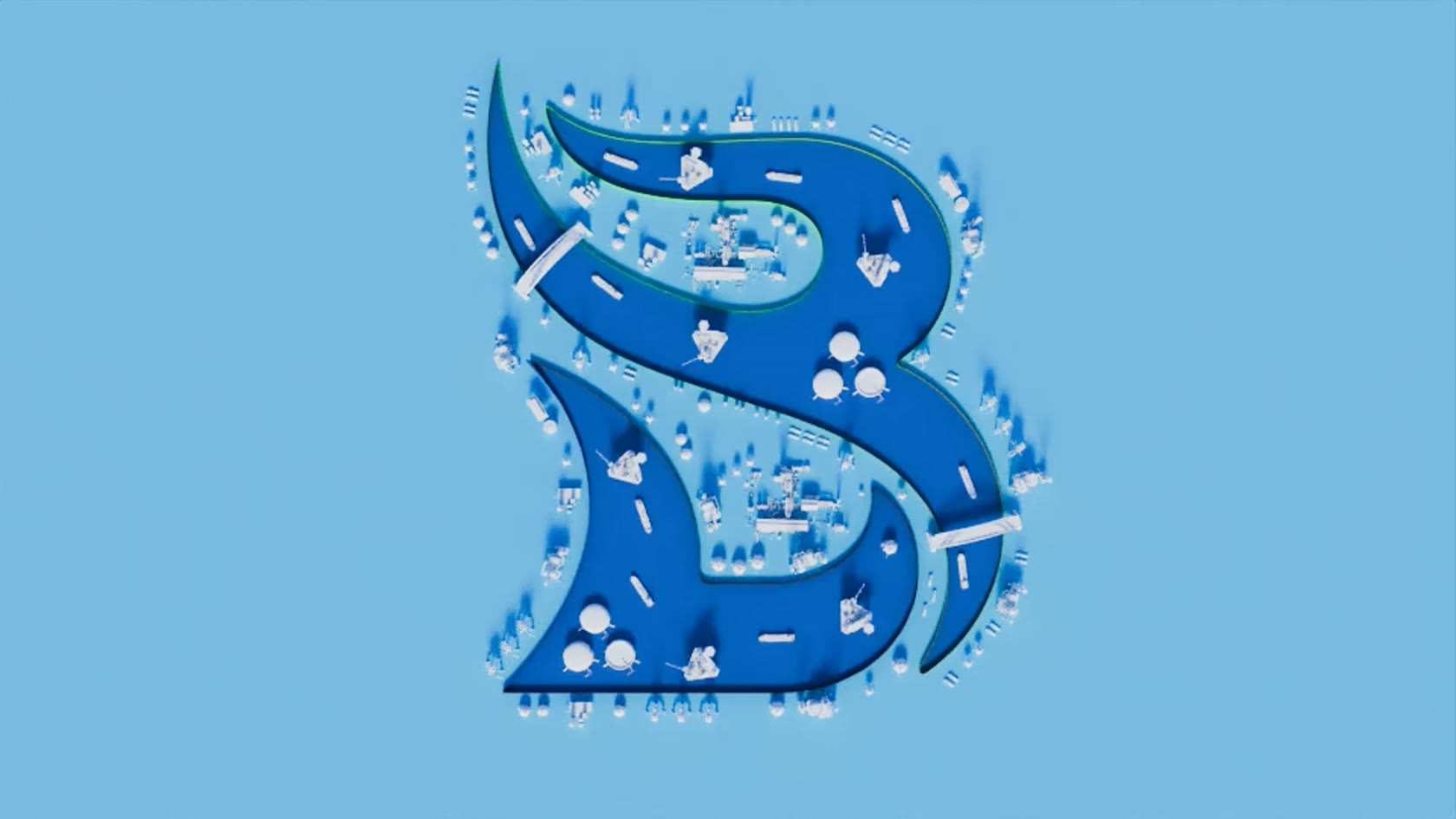
- Velesgard: high-resolution renders and all of the project's source files.
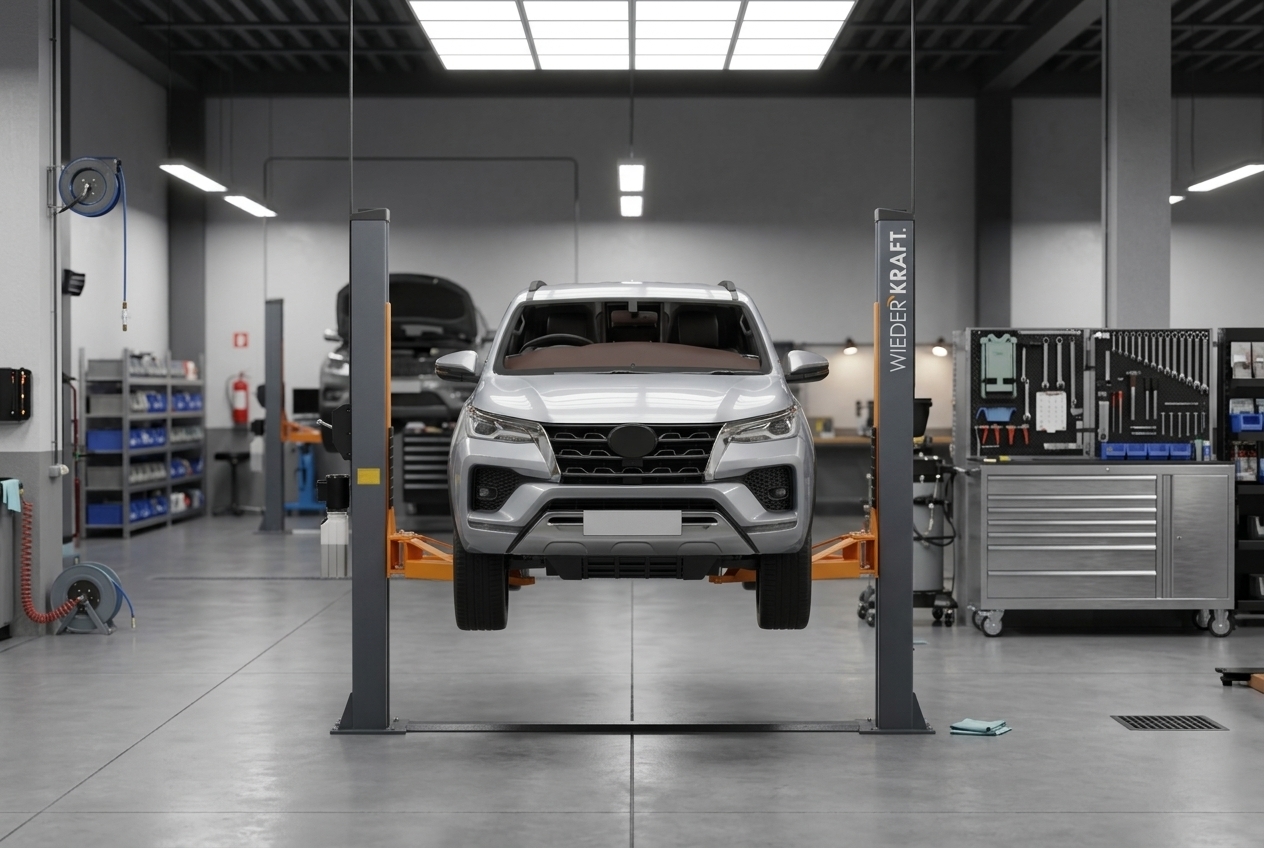
- WiederKraft: the same model goes into the product listing, the catalog and large-format print without being modeled again.
Common mistakes
- Getting only web JPEGs and finding out a year later there's no model.
- Not discussing the source upfront.
- Keeping everything in a messenger chat.
- Naming files "final" and "final_new".
Checklist
- Renders at full size and in versions for the platforms.
- The 3D model as GLB or FBX.
- Textures, if the model is handed over separately.
- The scene source, if agreed.
- Video, if it was made.
- Where and how the materials can be used — agreed in advance.
- A folder with a clear structure, plus a backup.